STAMP:
Sample Search
Page
When a
user clicks
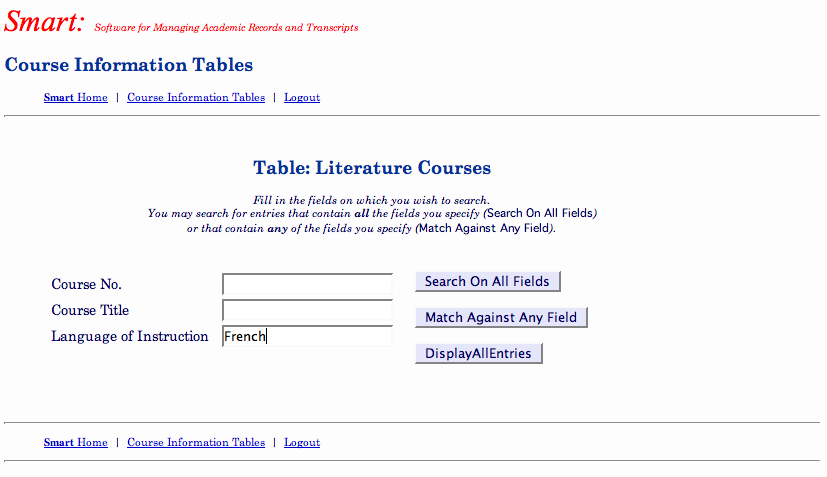
on the “Search” button on a table display page, STAMP brings up a new
page that allows the user to fill in data for one or more fields on
which to search.
If the user provides data for more than one field,
as in the second example below,
it is possible
to search for rows containing all of the given data (an “AND” of the given fields) or
any of the given data (an “OR” of the given fields). This is useful if, for
example, one wants to find all students who chose a particular course
as a first-choice course.
One would enter the course number under “Course 1,” “Course 2,”
and “Course 3,” and then select “Match Against Any Field.”
At
this time, searches are based on complete matches
for any field for which data is provided; it is not possible, for
example, to give
just the beginning of a course title and match on that.
|

|